Training & Consulting
Expert QuickBooks Online guidance from a 3x Top 100 ProAdvisor.
Hands-on training and consulting that helps you understand and manage your accounting systems with confidence — from initial setup to ongoing support.
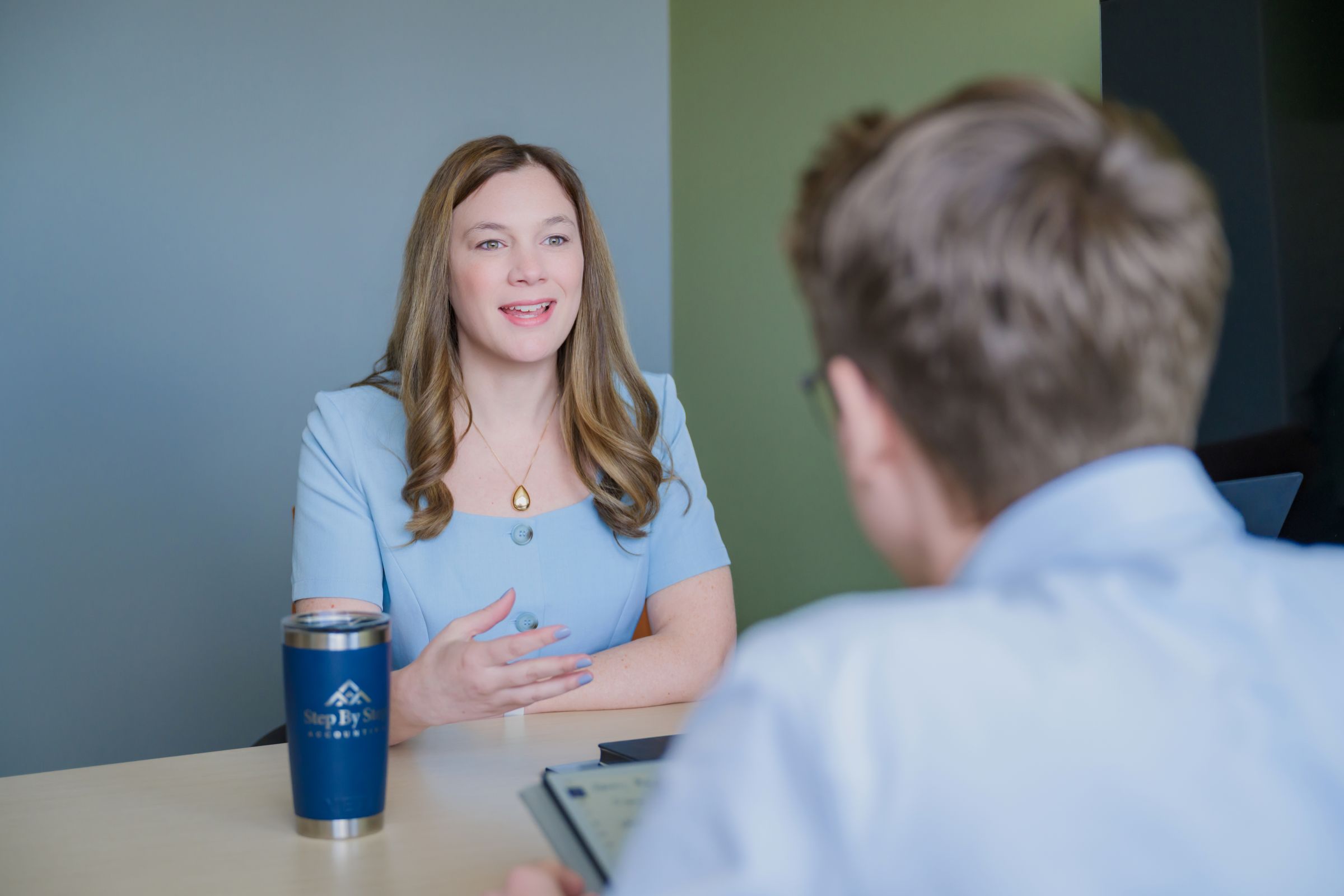
Who This Is For
Training and consulting works well for anyone who wants to manage their own books with expert support behind them — whether you’re just getting started or trying to improve a system that isn’t working.
That might be a business owner handling their own bookkeeping who wants to do it right, an internal team that needs QuickBooks training, a business setting up new accounting systems for the first time, or an owner who simply wants to understand what their financial reports are actually telling them.

QuickBooks Setup & Migration
Getting QuickBooks set up correctly from the start makes everything easier down the road. We offer two focused services for businesses that need a solid foundation before training begins:
QuickBooks Online Setup
We structure your QBO file correctly from the beginning — chart of accounts, settings, integrations, and workflows — so you’re not fixing problems later.
QuickBooks Desktop to Online Conversion
Moving from QuickBooks Desktop to Online is more than a file transfer – and we manage the entire process from start to finish. That includes helping you choose the right QBO plan before you migrate, assessing your file so you know exactly what to expect, managing the conversion itself, connecting your bank feeds in the new file, and providing an orientation session so you and your team feel confident in the new system from day one. For the vast majority of files the transfer is clean and the transition is quick. In rare cases with very large files there may be minor limitations on what can be carried over – but we assess for that upfront so there are no surprises.

Training Topics
Sessions are flexible and built around what you actually need. Common topics include:
- Reconciliation troubleshooting
- Duplicated or missing revenue
- Accounts payable and receivable workflows
- Undeposited Funds issues
- Payroll categorization
- Accounting process improvements
How Sessions Work
1. Book your session online
Use the calendar link we will send you to find a time that works. Sessions are typically 30–60 minutes.
2. Meet with the right person for your needs
Depending on what you need help with, you’ll work directly with Melissa or with a certified member of her team. All team members are QBO Certified; some hold Advanced Certification.
3. Receive a recording afterward
Every session is recorded and sent to you so you can reference it later — no need to take notes while you’re trying to learn.
Optional ongoing support:
Some clients prefer to handle their own day-to-day bookkeeping but want a professional check-in periodically. We offer quarterly review sessions — similar to a Diagnostic Review — where we look at your books together, flag anything that needs attention, and give you time to ask questions. It’s a way to stay independent while making sure things stay on track.
Why Work With a Top 100 QuickBooks ProAdvisor

Melissa L. Miranda has been recognized as a Top 100 QuickBooks ProAdvisor three times — a distinction that reflects deep, verified expertise in QuickBooks systems and accounting workflows, not just a certification you pass once. When you work with Melissa directly, you’re getting guidance from someone who has set up, restructured, and troubleshot hundreds of QuickBooks files across a wide range of industries. When your session is with a member of her team, you’re still working with a certified professional — someone trained to the same standards.
That depth of experience means when something unusual comes up in your file – and it often does – we’ve either seen it before, or we’ll work through it with you to find the right solution, workaround, or help you understand where QuickBooks Online has its limits.
FAQs
What is a QuickBooks ProAdvisor?
A QuickBooks ProAdvisor is an accounting professional certified by Intuit to provide QuickBooks training, support, and implementation services. The Top 100 designation is an additional recognition given by Insightful Accountant to a small number of ProAdvisors nationally based on expertise and client impact.
What does it mean that Melissa is a 3x Top 100 QuickBooks ProAdvisor?
It means she’s been recognized three separate times among the top 100 QuickBooks professionals in the country. It’s not a one-time certification — it reflects a consistent track record of deep QuickBooks expertise and helping businesses build accounting systems that actually work.
Will I work directly with Melissa or a team member?
It depends on what you need. More complex topics are typically handled by Melissa directly. For questions that are well within our team’s expertise, you may work with a certified team member. Either way, you’re in qualified hands — all team members are QBO Certified, and several hold Advanced Certification.
Are sessions recorded?
Yes. Every training and consulting session is recorded and sent to you afterward so you can review it at your own pace. You don’t need to frantically take notes during the session.
Can QuickBooks training help me manage my own books?
Yes — that’s exactly what a lot of our training clients are working toward. Many business owners want to handle their day-to-day bookkeeping themselves or perhaps they have a spouse, receptionist or other trusted team member who wants to do the books. But, they need the knowledge and confidence to do it correctly. We can also set up quarterly check-ins to review your books and answer questions so you stay on track.
How do I book a session?
Use our online calendar link that we will sent you to find a time that works for you. Sessions are typically 30–60 minutes depending on what you need to cover.
Can you help set up QuickBooks for a new business?
Yes. We offer QuickBooks Online setup sessions specifically for this — structuring your file correctly from the start so you’re not fixing problems down the road. We can also train you or your team on how to use it effectively once it’s built.
Can you help me move from QuickBooks Desktop to QuickBooks Online?
Yes. Desktop-to-Online conversions require more than just moving a file — there are settings, data integrity issues, and workflow differences to account for. We manage the process and make sure your data comes through cleanly.
Do you offer ongoing support for business owners who do their own bookkeeping?
Yes. Some clients prefer to stay independent with their day-to-day books but want a professional to review things periodically. We offer quarterly check-in sessions where we review your file together, flag anything that needs attention, and give you time to ask questions.